







Frequently Asked Questions
Here are answers to some commonly asked questions. If you don’t see your question here, please contact us!
Aurio includes a smart feature that detects whether it’s attached to your baby’s diaper. When this is ON, Aurio will filter out alarms if it’s not attached, reducing false alerts.
If you are testing Aurio off your baby (for example, on a table or in your hand), please keep this feature OFF so you can see how alarms work.
Before using Aurio on your baby, turn this feature ON in Settings → Notification Settings to ensure the most accurate alerts.
Here are a few options to follow:
- Enable “Smart Recognition” in “Settings” -> “Notification Settings” to prevent false alarms.
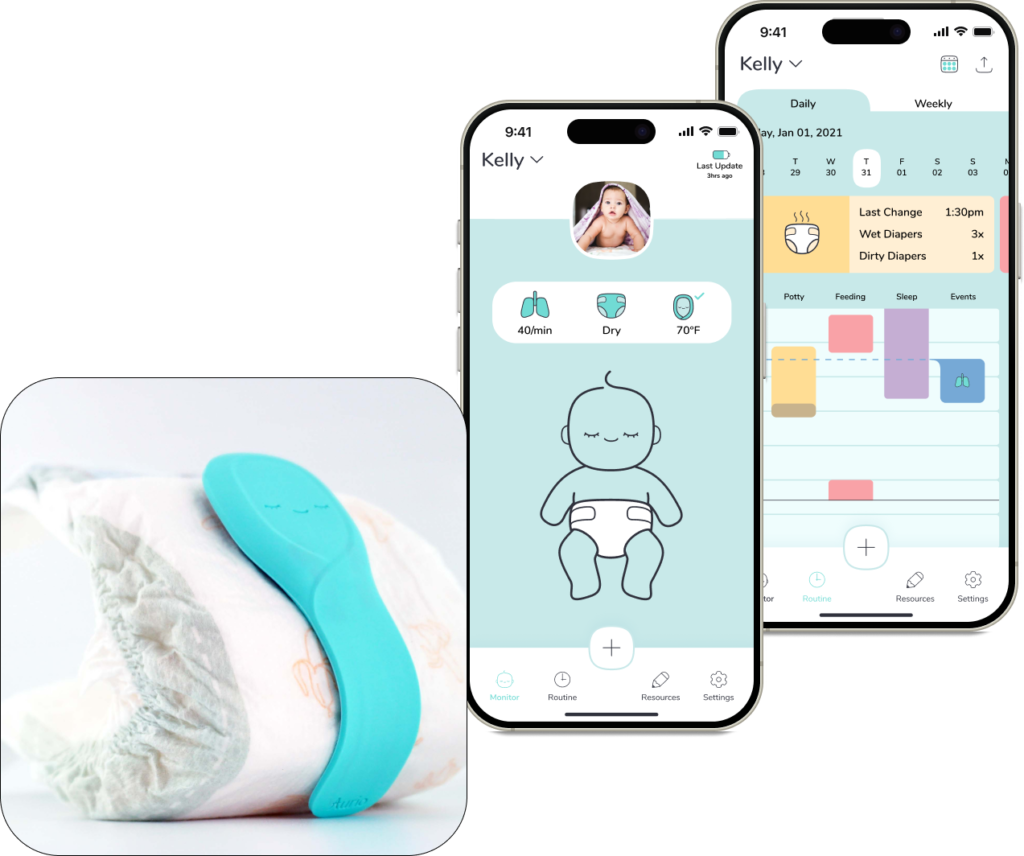
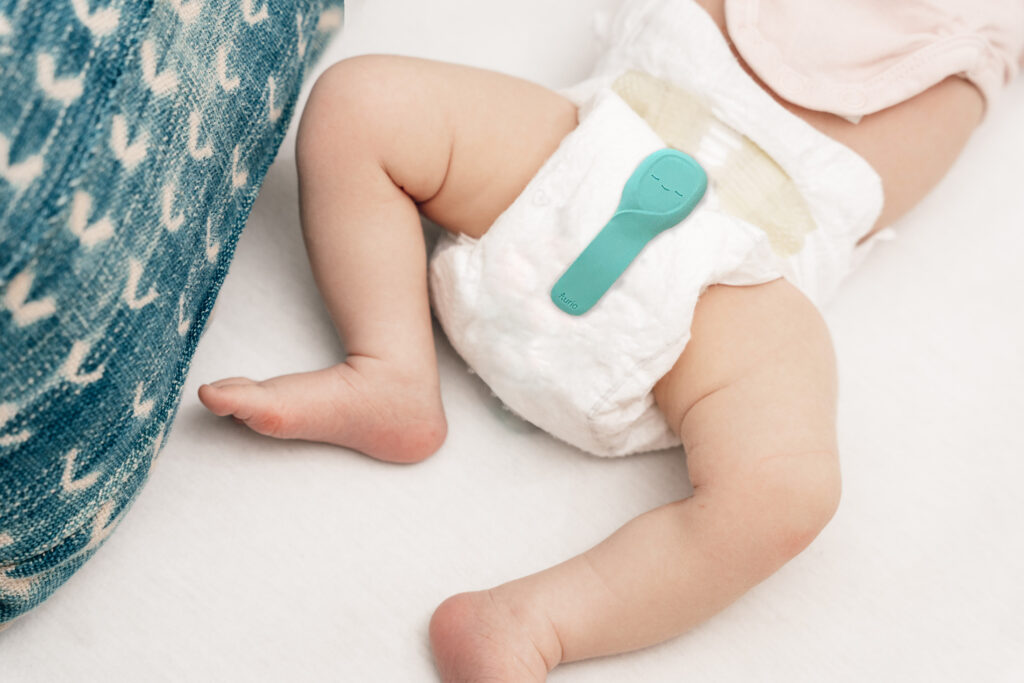
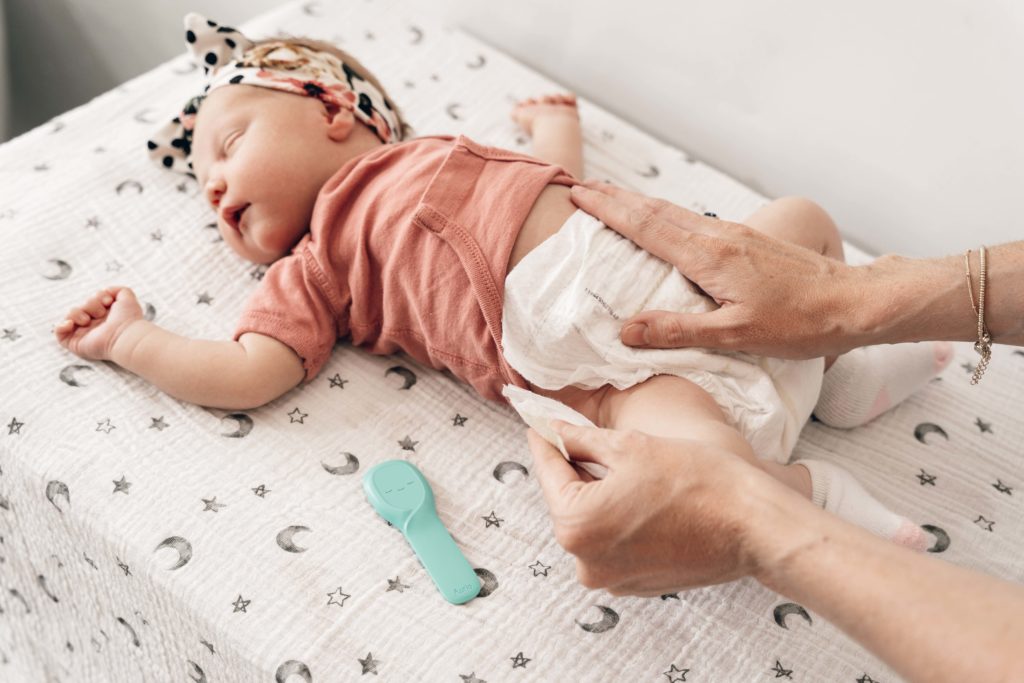
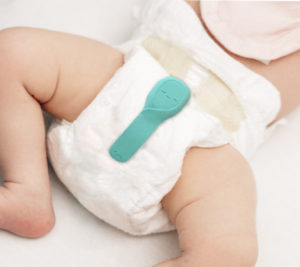
Attach the Aurio to the diaper as per the instructions, ensuring that the Aurio head is correctly placed at the top of the diaper near the belly area.
Here are a few options to follow:
Attach the Aurio to the diaper as per the instructions, ensuring that the Aurio head is correctly placed at the top of the diaper near the belly area.
- Proceed to calibrate the Aurio by navigating to ‘Settings’ -> ‘Connection – Baby Profiles’ -> ‘Connected’ -> ‘Next’ and then connecting to Aurio. Above the ‘Finished!’ button, click on ‘Calibrate Aurio.’ The calibration process will take approximately 10 seconds.
- Lower the wetness sensitivity by navigating to “Settings’ -> “Notification Settings” -> “New Potty Event” and toggle the “Very Wet” option.
Make sure the Aurio device is fully charged, and ensure that the Bluetooth on your phone is enabled. Then try to restart the Aurio app. If you continue to experience difficulties, please feel free to reach out to our support team at support@auriocare.com for additional assistance.
Please access the Bluetooth settings on your phone or tablet, turn off Bluetooth, then turn it back on. Additionally, please restart the Aurio app.
Aurio utilizes a rechargeable battery, eliminating the need for battery replacement. A single 2 hour charge can power the device for 2-3 weeks.
Aurio can connect to up to two phones or tablets simultaneously. However, you’ll need to set up separate accounts to connect to multiple devices.
The Bluetooth range of Aurio extends to approximately 100 feet outdoors and 50 feet indoors, though this may vary based on the number of walls and the materials used for those walls.
When Aurio is out of range, it will automatically store the sensor data (wetness, sleep, motion) in its on-chip flash memory for up to 24 hours. Once the Aurio is back in range, the stored data will be automatically synchronized to the Aurio App.
- Simply wipe the surface with a dry or wet cloth.
After multiple attach/detach cycles, the Velcro on the Aurio may become partially filled with fabric fibers, which can reduce its adhesion to the diaper. To restore proper function, use a sewing needle or similar pointed tool to gently remove any fabric trapped in the hooks.
The Aurio device can be securely attached to most disposable diapers, including popular brands such as Pampers, Huggies, and Luvs. Please note that Aurio may not attach properly to certain cloth or hand-made diapers due to material differences.
For more details or assistance, please contact our support team at support@auriocare.com